
Record
Start on the active tab and reproduce the issue. Input values are never captured.
Record one active-tab reproduction, review sanitized evidence locally, and export a clear multilingual Markdown report.
A short workflow with a deliberate privacy checkpoint.
Start on the active tab and reproduce the issue. Input values are never captured.
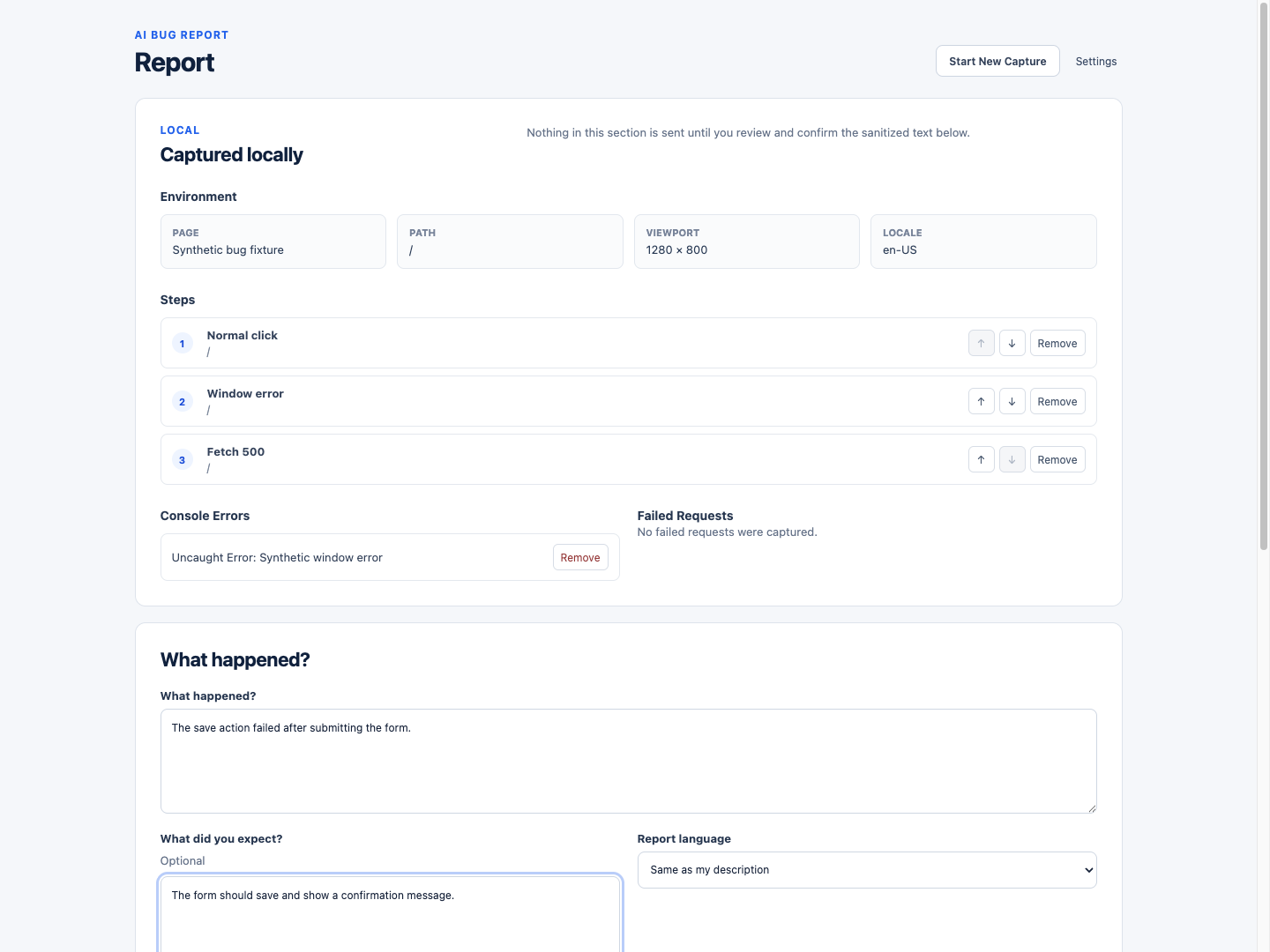
Remove or reorder local evidence and inspect the exact sanitized text before AI use.
Create a local basic report or a confirmed BYOK AI report, then copy or download Markdown.
Captures and drafts stay in Chrome storage. Screenshots never go to AI. Only text you review and confirm goes directly to your configured provider.
The extension captures bounded actions, page errors, and failed-request metadata. It excludes passwords, input values, cookies, authorization headers, request bodies, and browsing history outside the session. It does not record video or submit issues automatically.
In Chrome local storage on your device until you delete the current report or clear all product data.
Only the sanitized text displayed in Review after you explicitly confirm it. Screenshots, API keys in the body, licenses, inputs, headers, and request bodies are excluded.
Only for Pro AI generation. Basic local reports work without a provider or key. By default, a key is kept in Chrome session storage unless you explicitly choose local persistence.
No. It creates developer-ready evidence and report structure. It does not promise a definitive root cause, fix code, or submit an issue automatically.
Capture locally, review deliberately, and share only what you choose.